Kucoin trading bots: Spot Grid, DCA and automated trading choices
Last updated
Kucoin trading bots automate spot and futures strategies, with Spot Grid trading price swings and DCA building holdings through scheduled purchases. A grid repeatedly buys and sells within selected bounds. Dollar-cost averaging spends a fixed amount at set intervals, so the two strategies create different trading activity and asset balances.
Key takeaway: Positive grid profit can coexist with an overall loss when the bot holds assets below their average purchase cost.
Spot Grid or DCA: Choose the strategy for your goal
Choose Spot Grid for repeated trades within a price range, or DCA for gradual accumulation, then judge activity through the corresponding order and holding records. Completed buy-and-sell records show grid activity; DCA purchase records show additions to the selected asset. A running status alone does not prove either type of order has executed.
Account access and funds assigned to the strategy
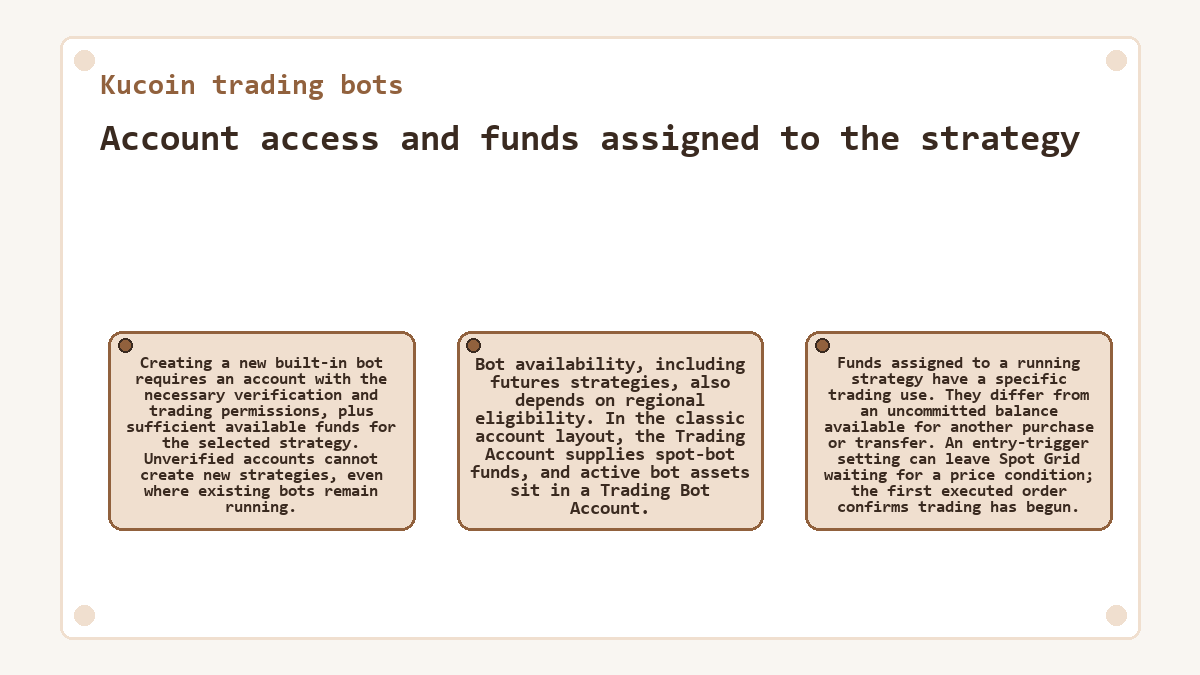
Creating a new built-in bot requires an account with the necessary verification and trading permissions, plus sufficient available funds for the selected strategy. Unverified accounts cannot create new strategies, even where existing bots remain running. Bot availability, including futures strategies, also depends on regional eligibility. In the classic account layout, the Trading Account supplies spot-bot funds, and active bot assets sit in a Trading Bot Account. Funds assigned to a running strategy have a specific trading use. They differ from an uncommitted balance available for another purchase or transfer.
An entry-trigger setting can leave Spot Grid waiting for a price condition; the first executed order confirms trading has begun.
Spot Grid bounds and adaptive modes
A standard fixed-range Spot Grid divides a chosen price band into order levels, placing buys below the market and sells above it. Funding with quote currency can require an initial base-asset purchase to supply sell orders. The base asset is the asset being traded; the quote asset measures its price. Completed buy-and-sell cycles contribute to grid profit in the quote asset. The range controls where trading operates, without insulating the remaining base holdings from falling prices.
When price leaves that fixed range, the bot stops executing grid trades outside its bounds. A return into the range allows activity to resume unless the strategy is suspended, has closed or has triggered an exit condition. A drop below the lower bound can leave it holding depreciating base assets. Above the upper bound, its base allocation may already have been sold through the grid. Price movement must produce actual fills for trading cycles to complete.
Auto parameters use historical market behavior to suggest the initial grid settings. Customize lets the user choose them. AI Plus changes the range, grid spacing and order amounts during operation as volatility changes. Users cannot manually edit its running parameters. Its adaptive behavior differs from a fixed-range grid, so the fixed-bound pause rule does not describe every grid mode. Held assets remain exposed to price changes even when the algorithm adjusts its parameters.
DCA purchases and the cumulative investment limit
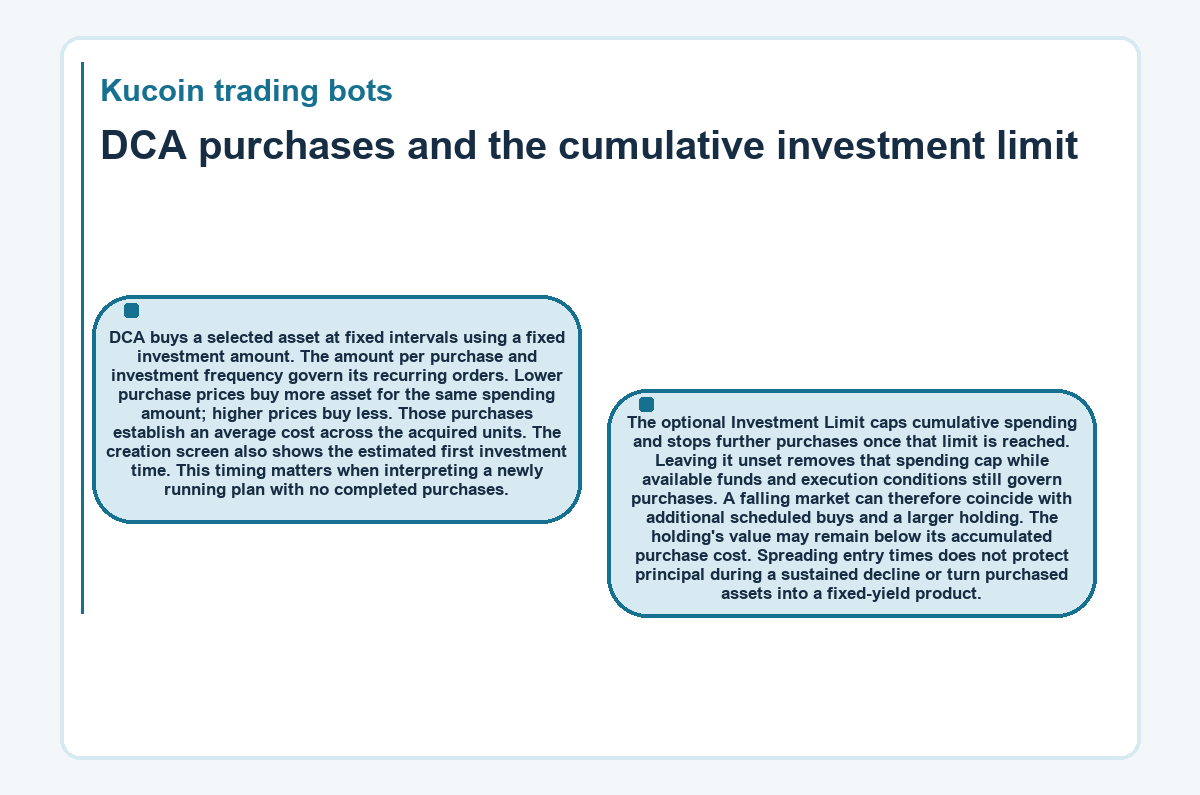
DCA buys a selected asset at fixed intervals using a fixed investment amount. The amount per purchase and investment frequency govern its recurring orders. Lower purchase prices buy more asset for the same spending amount; higher prices buy less. Those purchases establish an average cost across the acquired units. The creation screen also shows the estimated first investment time. This timing matters when interpreting a newly running plan with no completed purchases.
The optional Investment Limit caps cumulative spending and stops further purchases once that limit is reached. Leaving it unset removes that spending cap while available funds and execution conditions still govern purchases. A falling market can therefore coincide with additional scheduled buys and a larger holding. The holding's value may remain below its accumulated purchase cost. Spreading entry times does not protect principal during a sustained decline or turn purchased assets into a fixed-yield product.
Why can grid profit be positive while total profit is negative?
Positive grid profit can coexist with a negative total when losses on the bot's remaining holdings exceed gains from its completed trading cycles. For Spot Grid, total profit combines realized grid profit with the floating profit or loss on assets the bot still holds. Floating PNL, meaning floating profit and loss, changes with market value and average purchase price. APR, or annual percentage rate, annualizes returns over the bot's running time. A short run can show a large annualized figure without earning that percentage during the run.
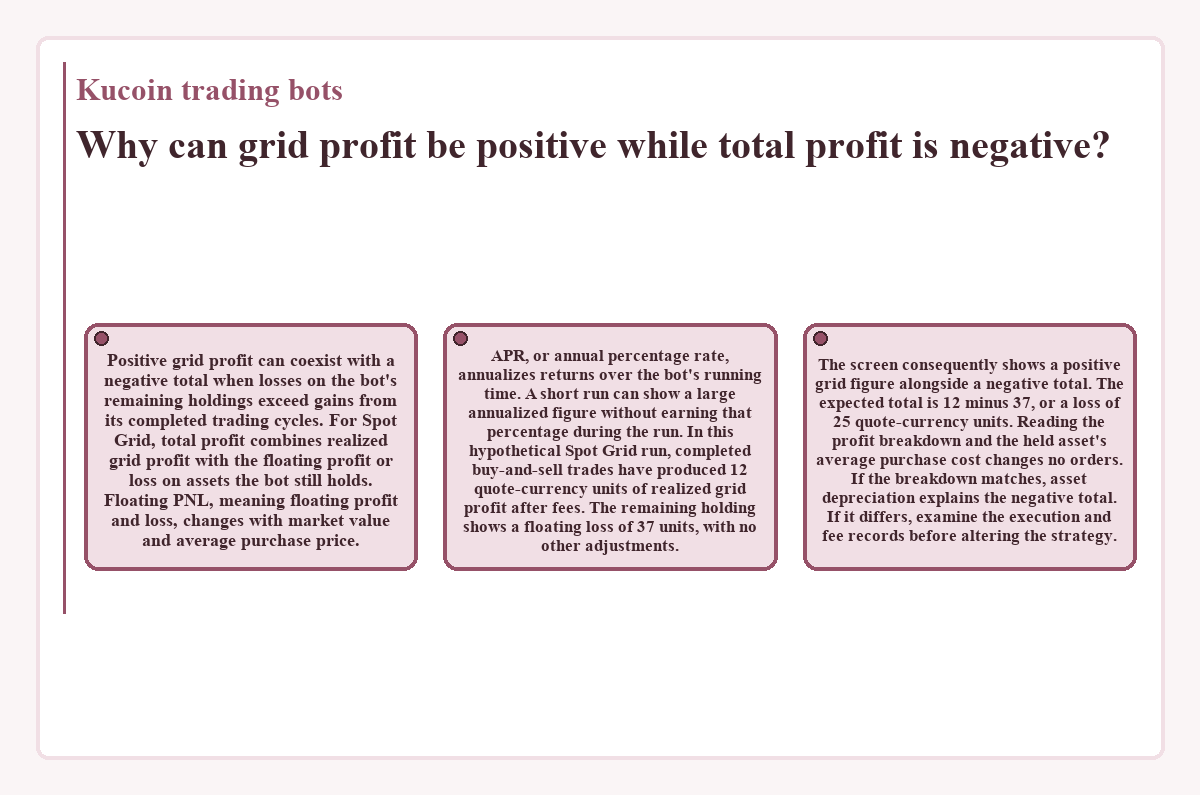
In this hypothetical Spot Grid run, completed buy-and-sell trades have produced 12 quote-currency units of realized grid profit after fees. The remaining holding shows a floating loss of 37 units, with no other adjustments. The screen consequently shows a positive grid figure alongside a negative total.
The expected total is 12 minus 37, or a loss of 25 quote-currency units. Reading the profit breakdown and the held asset's average purchase cost changes no orders.
If the breakdown matches, asset depreciation explains the negative total. If it differs, examine the execution and fee records before altering the strategy.
Trading fees and costs beyond spot orders
Running a built-in bot carries no separate subscription charge, although executed orders incur trading fees. Spot-bot pricing applies a 20% discount to the selected coin's LV0 maker and taker rates. VIP-level pricing and KCS fee deduction do not apply to these bot trades. The futures-bot fee schedule charges 0.06% of the contract value traded per transaction. Holding a perpetual position through a funding settlement can also create a payment or receipt. Margin Grid adds loan interest to its spot trading fees. Use the applicable fee shown for the selected bot when comparing costs, since schedules can change.
Infinity Grid and other spot and futures strategies
Infinity Grid removes the fixed upper price boundary while retaining a lower trading threshold. Trading pauses below that minimum and resumes when price returns to it. It continues its percentage-based grid logic into rising prices. Smart Rebalance manages target portfolio proportions, selling overweight assets and buying underweight ones when a chosen time or allocation threshold triggers rebalancing. These functions differ from accumulating one asset through DCA. Rebalancing changes portfolio composition and can still accompany a decline in its total value.
Spot Martingale adds to holdings after configured price declines and sells the accumulated position at its profit target. Its position-increase multiplier can make later additions larger than earlier ones. The allocated budget can run out before a sufficient rebound. AI Spot Trend follows moving-average crossover signals for spot entries and exits. That signal-following behavior addresses a trend, while Spot Grid repeatedly trades price oscillations within its configured range.
Futures Grid automates order levels for contract positions and supports Long, Short and Neutral modes. AI Futures Trend tracks moving-average trend signals; DualFutures AI responds to reversal signals such as rebounds and pullbacks. Futures Martingale adds contract exposure according to its price-movement settings. Leveraged bots, including Margin Grid, introduce liquidation risk alongside ordinary trading losses. Margin Grid also supports leveraged long and short spot trading through borrowed assets. Borrowing and contract exposure require separate cost and margin assessments from ordinary spot bots.
What happens to Spot Grid assets when you stop the bot?
Closing Spot Grid cancels open orders and returns funds to the Trading Account using an exit option that retains both assets or converts them into one. Keeping the base and quote assets preserves that mix. Converting everything into the quote asset sells the remaining base holding. Converting into the base asset uses the quote balance to buy it. Conversion introduces market execution into the exit. The settled quantities and conversion fills describe what the account actually receives.
In standard Spot Grid, suspending the bot cancels pending orders and halts trading. Take-profit and stop-loss triggers do not activate during suspension. Manual-grid advanced settings also provide an entry trigger and take-profit and stop-loss levels. AI Plus does not support those entry-trigger, take-profit or stop-loss settings. Before closing, choose whether to retain both assets or convert the bot's balance into the base or quote asset.
Frequently asked questions about Kucoin trading bots
Can a Spot Grid bot keep trading after I close the app?
A built-in Spot Grid bot keeps running in the cloud when the app closes. Switching off the phone does not stop its strategy either. Orders still depend on the bot's settings and market conditions.
Will raising the DCA investment limit trigger an immediate purchase?
Increasing the DCA Investment Limit changes its maximum cumulative spending without triggering an immediate purchase. The existing investment frequency remains in effect, so the next purchase still follows that schedule and its execution conditions.
Does a larger grid count automatically increase Spot Grid profits?
Adding grids does not automatically increase Spot Grid profits. With the price range and total investment unchanged, more grids reduce the spacing and funds assigned to each level. Each completed cycle then captures a smaller price gap. Actual returns also depend on completed trades and the value of assets still held.
Why might a profitable grid return fewer units of the base asset?
A grid can return fewer base-asset units after profitable sales because its returns and its token count measure different things. When the base asset rises, selling some units can leave a higher value measured in the quote asset. The initial funding asset and selected exit conversion affect the final mix. Compare values in the same currency when interpreting that result.
Is API control available for built-in Spot Grid and DCA bots?
Built-in Spot Grid and DCA bots do not support creation or operation through the trading API. Their management controls are in the platform's bot interface.
Are subaccounts eligible to create built-in trading bots?
Subaccounts cannot create built-in trading bots. New strategies must be created through an eligible main account with the required verification and product access.